


How Mobile Garage Works
Get doorstep services in minutes. Here's the simple process from request to completion.
Open the App & Request a Service
Download the Mobile Garage app, choose the service you need — mechanic, plumber, electrician, or more — and drop your location pin.
- Pick from 5+ service categories
- Auto-detect or manually pin your location
- Add notes or photos of the problem
Nearby Providers Receive Your Request
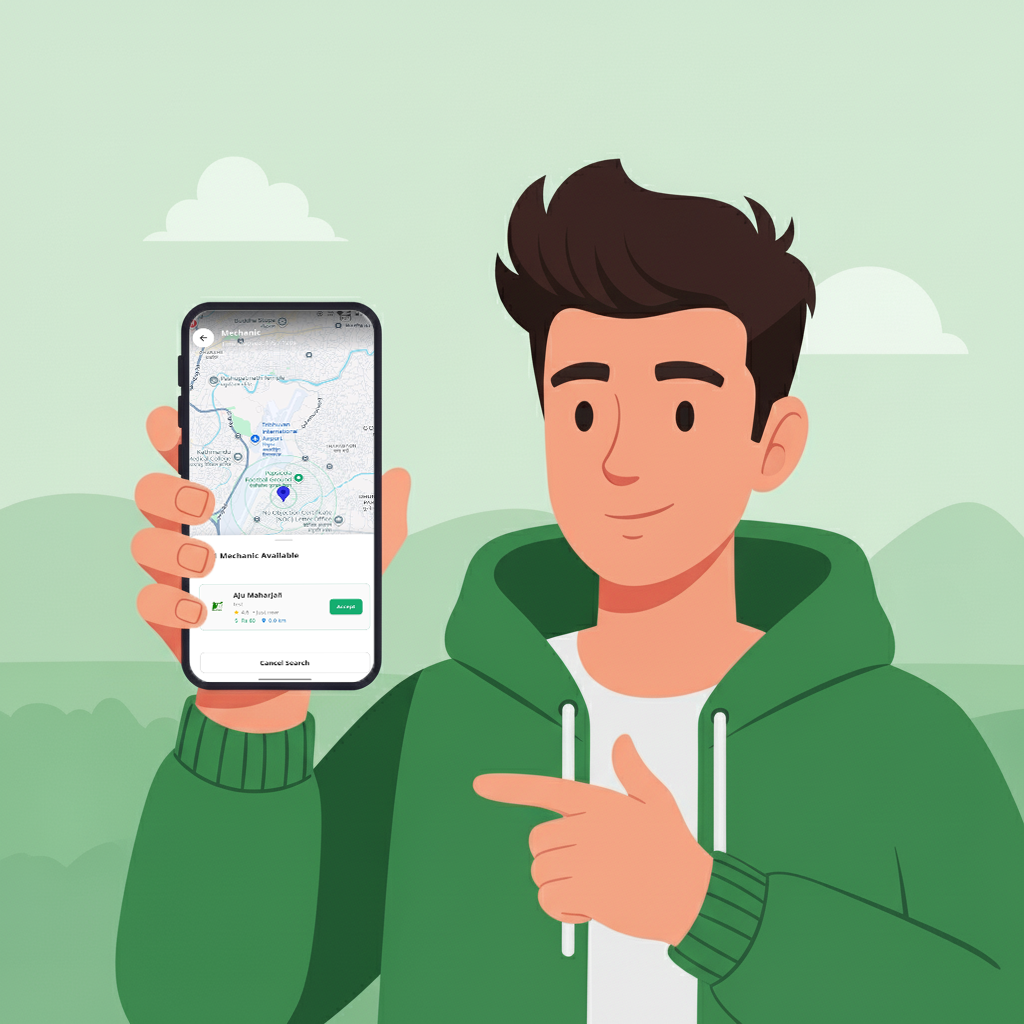
Your request is instantly broadcast to verified technicians near you. The first available provider accepts your job.
- Real-time notification to nearby providers
- View provider profile, rating and skills
- Estimated arrival time shown instantly
Track Your Technician in Real-Time
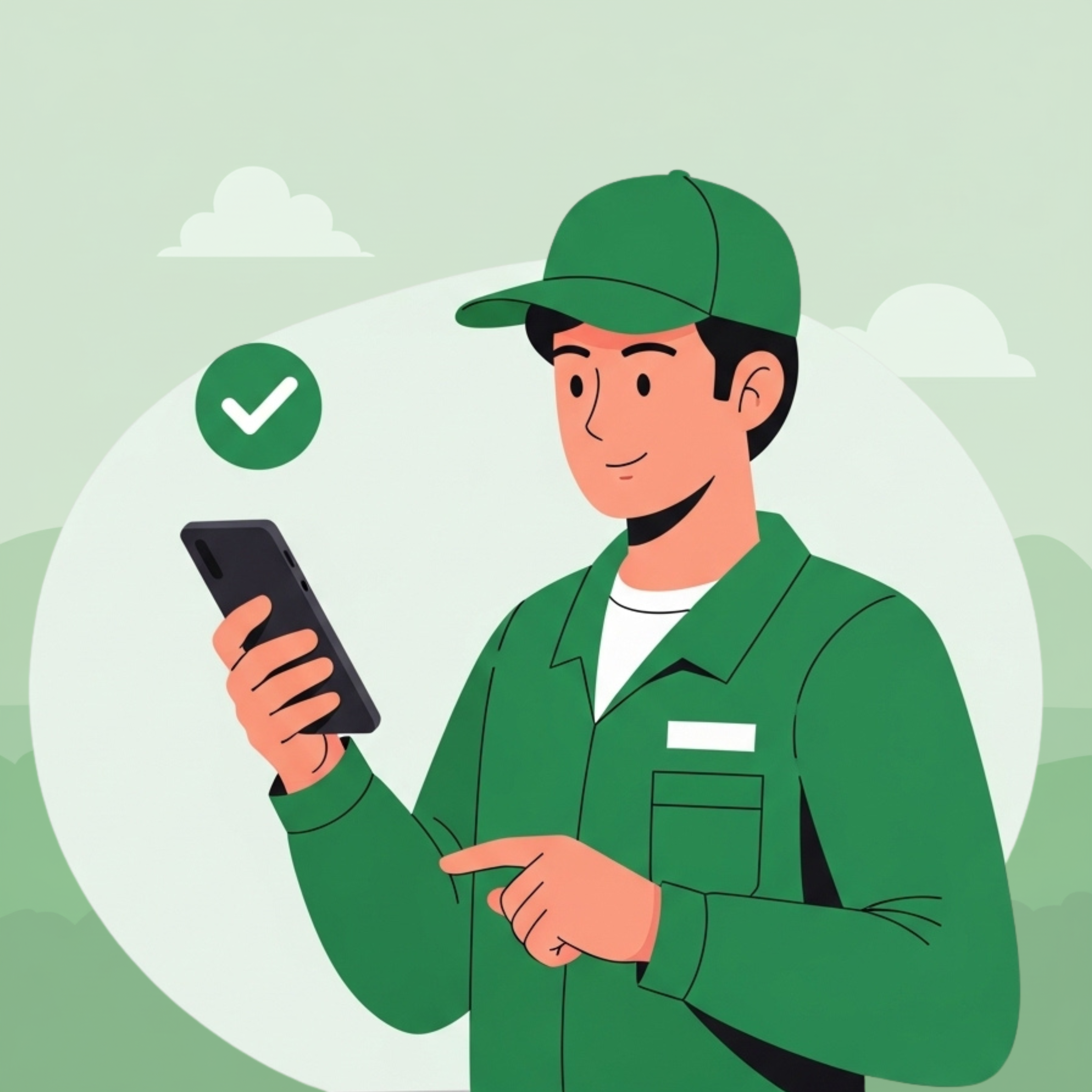
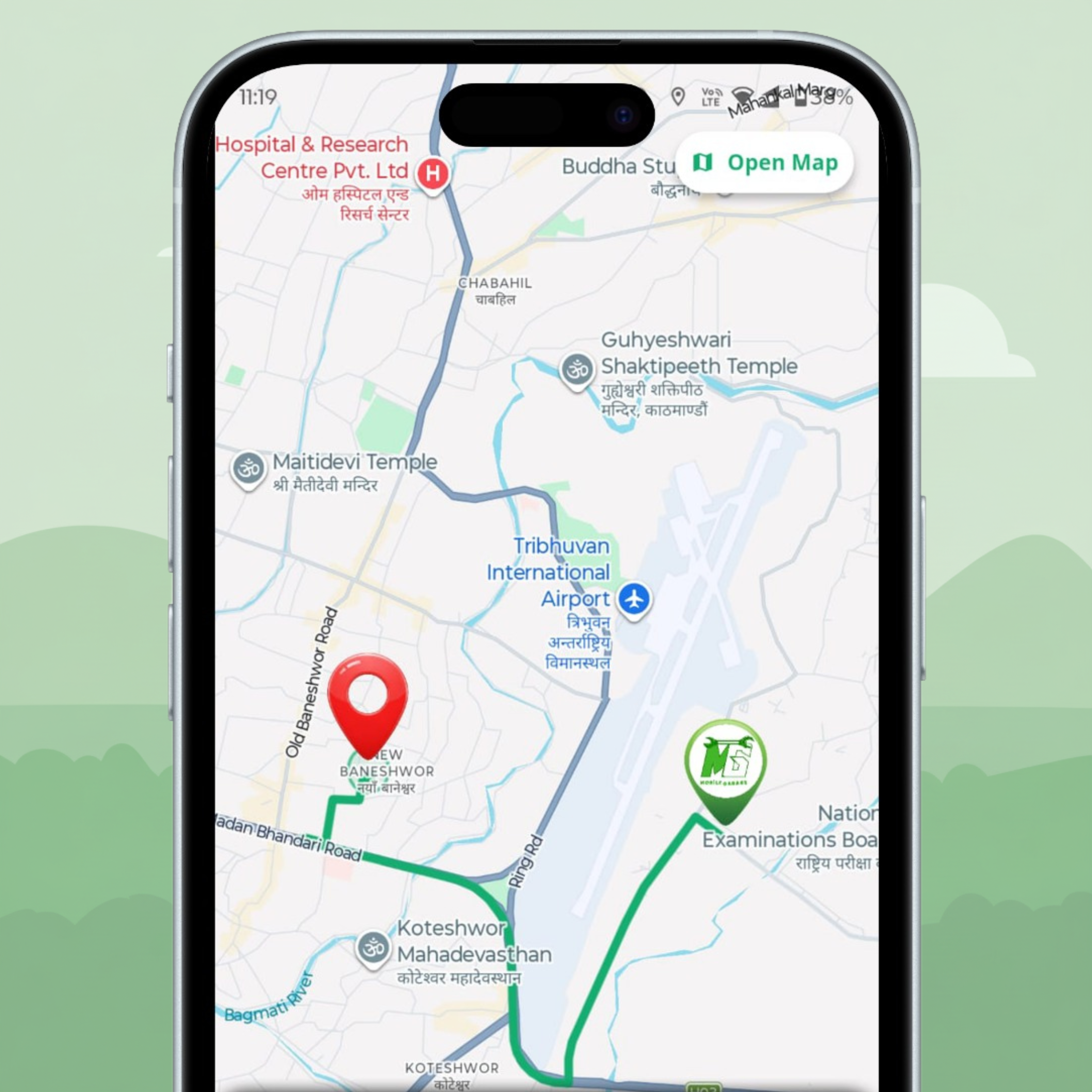
Once accepted, watch the technician navigate to you live on the map. Chat directly if needed.
- Live GPS map tracking
- In-app chat with your provider
- ETA updates as they travel
Job Completed at Your Doorstep
Your technician arrives, assesses the problem and gets to work. You receive a job summary before payment.
- Transparent job summary with cost breakdown
- No surprise charges
- Service guarantee on all completed jobs

Rate the Service & Pay
Happy with the result? Rate your technician and pay via cash or digital wallet. Your review helps the community.
- Pay with cash, eSewa or Khalti
- Rate and review your experience
- View job history any time
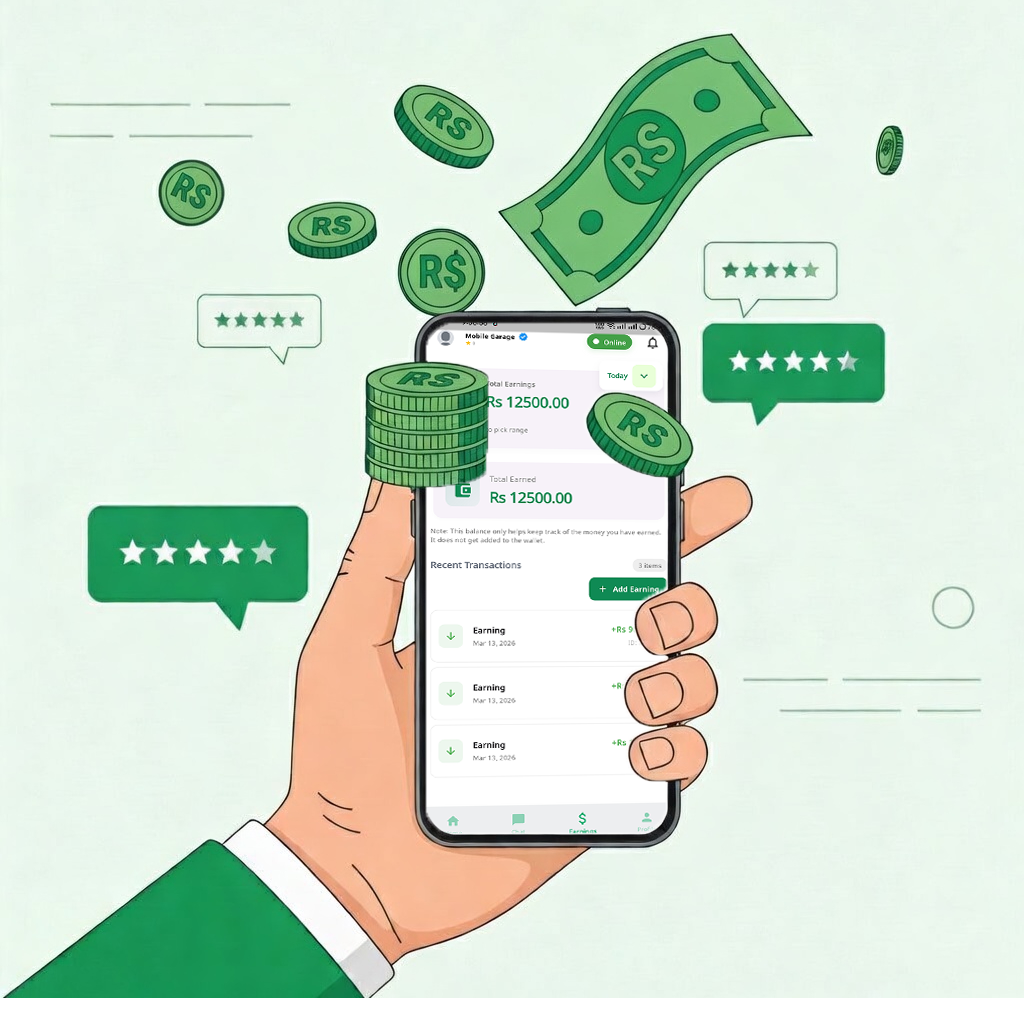
Download the Provider App & Register
Get the Mobile Garage Provider App, fill in your skills, location, and complete the verification process.
- Simple 3-step registration
- Upload your skills and certificates
- Verified within 24–48 hours
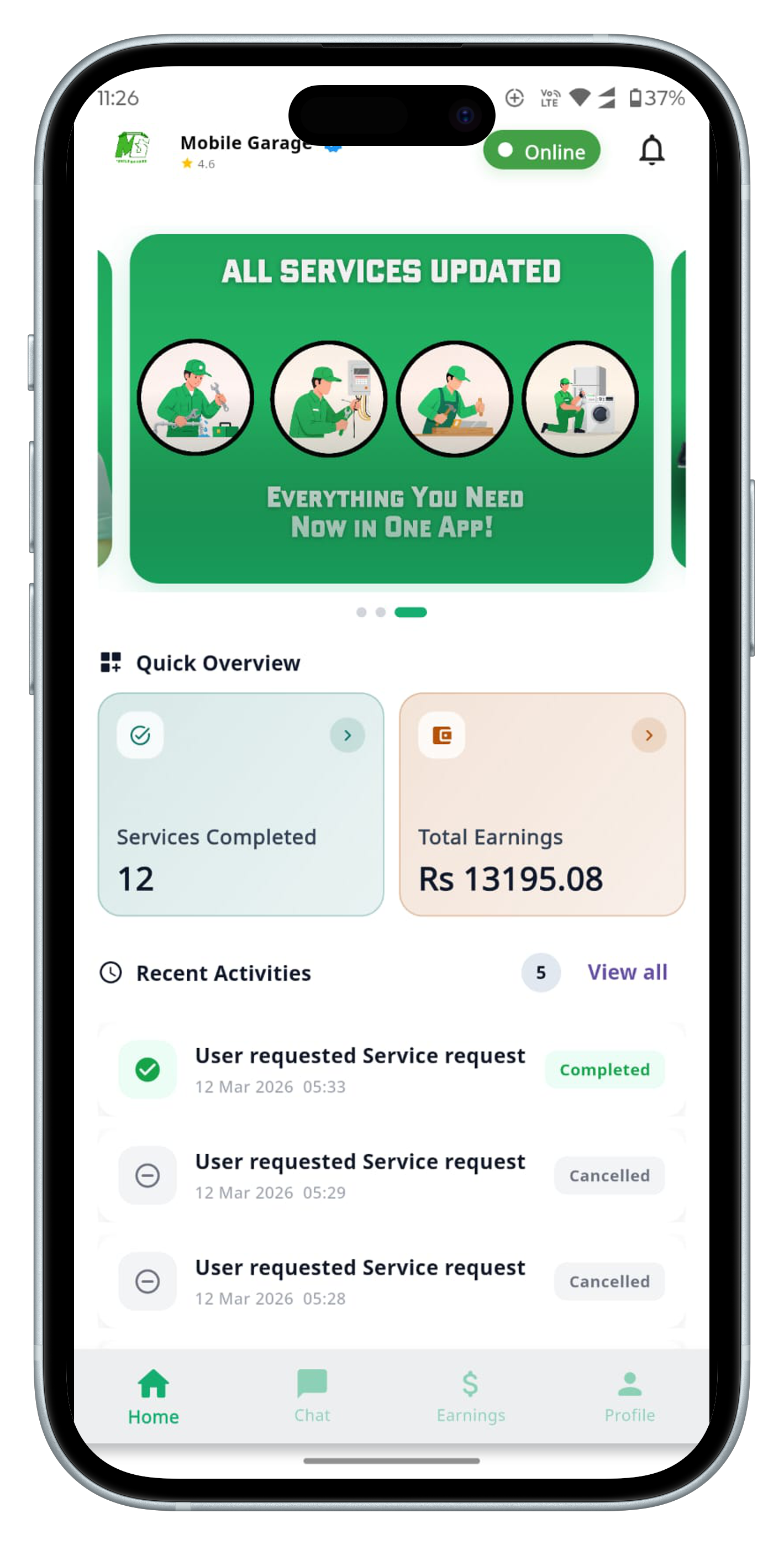
Go Online & Receive Job Requests
Toggle online when you're ready to work. Nearby customer requests will appear instantly on your screen.
- Accept or decline any job
- See job details before accepting
- Set your working radius
Navigate & Complete the Job
Use the built-in navigation to reach the customer. Complete the job professionally and mark it done in the app.
- In-app turn-by-turn navigation
- Chat with customer if needed
- Photo proof of job completion
Collect Payment & Build Your Reputation
Receive payment, earn reviews, and build your profile. Higher ratings mean more jobs and better earnings.
- Same-day payment collection
- Track all earnings in-app
- Monthly performance dashboard
Customer vs Provider App
Two separate apps, each built for a specific role in the Mobile Garage ecosystem.
| Feature | Customer App | Provider App |
|---|---|---|
| Service Request | ✔ Book in seconds | — |
| Receive Job Requests | — | ✔ Instant notifications |
| Live Map Tracking | ✔ Track provider | ✔ Navigate to customer |
| In-App Chat | ✔ | ✔ |
| Payment | ✔ Pay after completion | ✔ Collect & track earnings |
| Ratings & Reviews | ✔ Rate providers | ✔ Build your reputation |
| Service History | ✔ View past bookings | ✔ View job history |
| Profile & Availability | — | ✔ Manage online status |
| Earnings Dashboard | — | ✔ Daily/monthly stats |
Ready to Experience Mobile Garage?
Download the app, request a service and have a verified technician at your door in minutes.